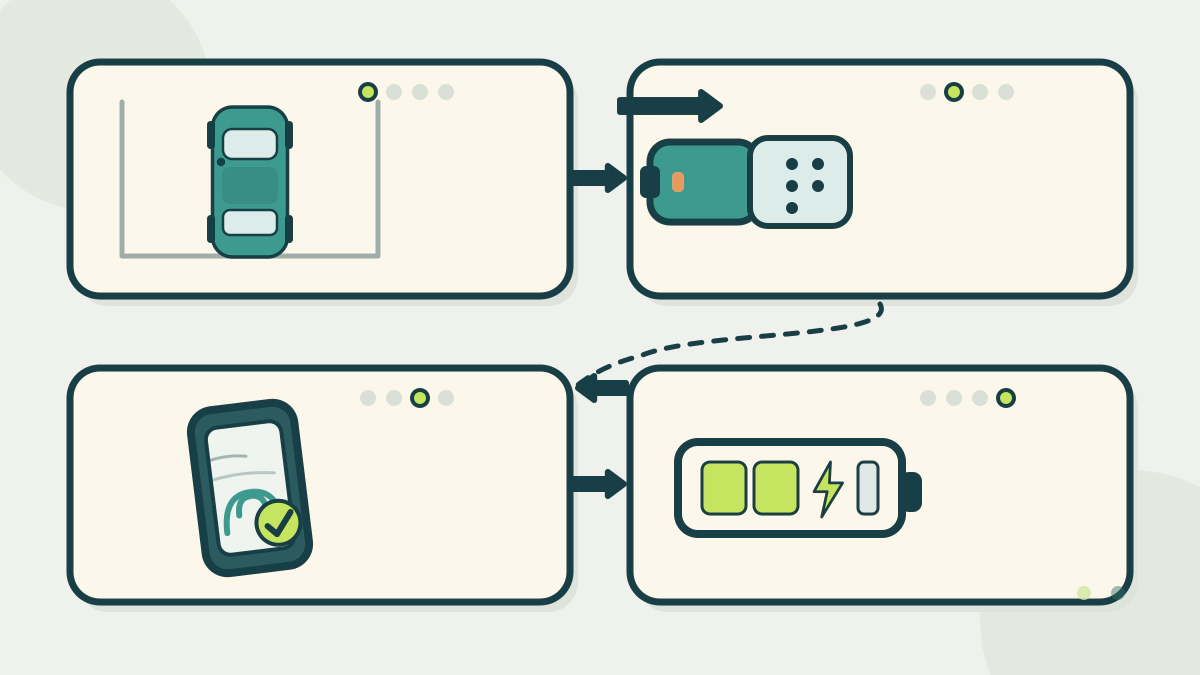
Walk through a public charging session step by step, from choosing a compatible connector and starting the charge to stopping it and freeing the port.
What are the steps to use a public EV charging station?
Find a port that fits your car, park, plug in until the connector clicks, start the session the way that network asks, and stop it before you unplug. The order varies. Some networks let you start in the app first, while others expect you to plug in first. Both are normal, and the charger screen or app shows which one applies.
This guide covers the session itself. For trip planning around chargers, read how to prepare an EV for a long road trip. For the wider subject, see EV Charging.
Step 1: Choose a station and connector your car can use
Start with the DOE Alternative Fuels Data Center station locator. AFDC explains that each port charges one vehicle at a time, even when the unit has several connectors.
The connector has to match the inlet on your car. AFDC lists Level 1 charging on the J1772 connector and Level 2 on J1772 or NACS, while DC fast charging uses CCS, CHAdeMO or NACS. Public charging is mostly Level 2 or DC fast, according to AFDC.
Check the station’s live status before you drive over. Electrify America says its app and Google Maps show real-time charger status, connector type and charger speed.
Step 2: Read the label and the price before you plug in
Charger labels show the connector type and the maximum power. A higher kW number does not mean your car will accept that power. Electrify America explains that the charger supplies the highest power level your vehicle can handle.
Price is shown on the charger screen or in the network app before you begin. Electrify America says pricing depends on charger location, your plan and the energy delivered, and that idle fees may apply after charging ends.
Step 3: Connect the cable and start the session
Remove the connector from the charger with two hands. Push it firmly into your vehicle’s charging port until you hear a click. The click means the connector is latched and the car is connected. The vehicle may take a few minutes to begin charging.
There are several ways to start. The table below follows the methods described in Electrify America’s charging instructions.
| Start method | What you do |
|---|---|
| App, tap to start first | Confirm payment or plan, tap Start Charging, then plug in |
| App, plug in first | Plug in, select the charger in the app, then tap Start Charging |
| Card at the charger | Follow the screen prompts and pay at the unit |
| Plug and Charge | Let the vehicle and network authenticate the session |
| Vehicle screen | Start through Apple CarPlay or Android Auto where supported |
Confirm that the charger number in the app matches the number above the screen.
Under the NIST model code for retail EV fueling, an authorized charger must deauthorize within two minutes if it is not activated, so you may need to start again.
Step 4: Monitor the session and stop it
Once charging starts, session details appear on the charger and in the network app. Watch the estimated time as well as the added energy, because charging power usually falls as the battery fills. That pattern is explained in why DC fast charging slows near full.
To end the session, use the network’s stop control. Electrify America’s app has a Stop button, and the payment method is charged at the end of the session.
Idle fees can begin after charging stops, even if you are still parked. Electrify America’s pricing page says idle fees may be imposed for parking time after the session has ended.
Step 5: Unplug, return the connector, and free the port
Unplug when the car is ready. ChargePoint’s charging basics say to unplug when your EV is done. Return the connector to its holster or holder, then move the car out of the charging space.
A port stays unavailable while a finished car sits in the space, and the courtesies around that are covered in EV charging etiquette at busy stations.
If the charger will not start, check the app for the session state and use the support number printed on the unit.
What do the sources say about charging safely?
AFDC says EV charging equipment can be installed outdoors and is safe to use in the rain, and that power does not flow unless the vehicle is plugged in and charging.
Electrify America’s handling instructions are the two-hand removal and the firm push until the click. It also warns that the company will never ask for payment by scanning a QR code. If you see a suspicious sticker or QR code on a charger, report it through the app rather than paying.
For connector differences in more detail, see Level 1 vs Level 2 vs DC fast charging.
Frequently asked questions
Do I need an app to use a public charging station?
Not always. Electrify America accepts credit and debit cards at the charger and also takes payment through its app, automaker apps, Apple Pay and Google Wallet. Other networks set their own methods, so check before you rely on one.
Which connector does my car need?
Level 1 uses the J1772 connector, and Level 2 can use J1772 or NACS. DC fast charging uses CCS, CHAdeMO or NACS, depending on the station and the vehicle. Match the station’s listed connector to the inlet on your car.
Can I start charging before I plug in?
Some networks support tap-to-start-first, and some expect plug-in-first. Electrify America describes both sequences. The app or charger screen tells you which sequence the station is waiting for.
How do I stop a charging session?
Use the network’s stop control, such as the Stop button in the Electrify America app. Wait for the session to end before removing the connector, then unplug, return the cable and move the car so the port is free.