Learn how a phone or watch becomes a car key, how NFC, Bluetooth and UWB differ, and what to check before relying on one for daily driving.
What is a digital car key?
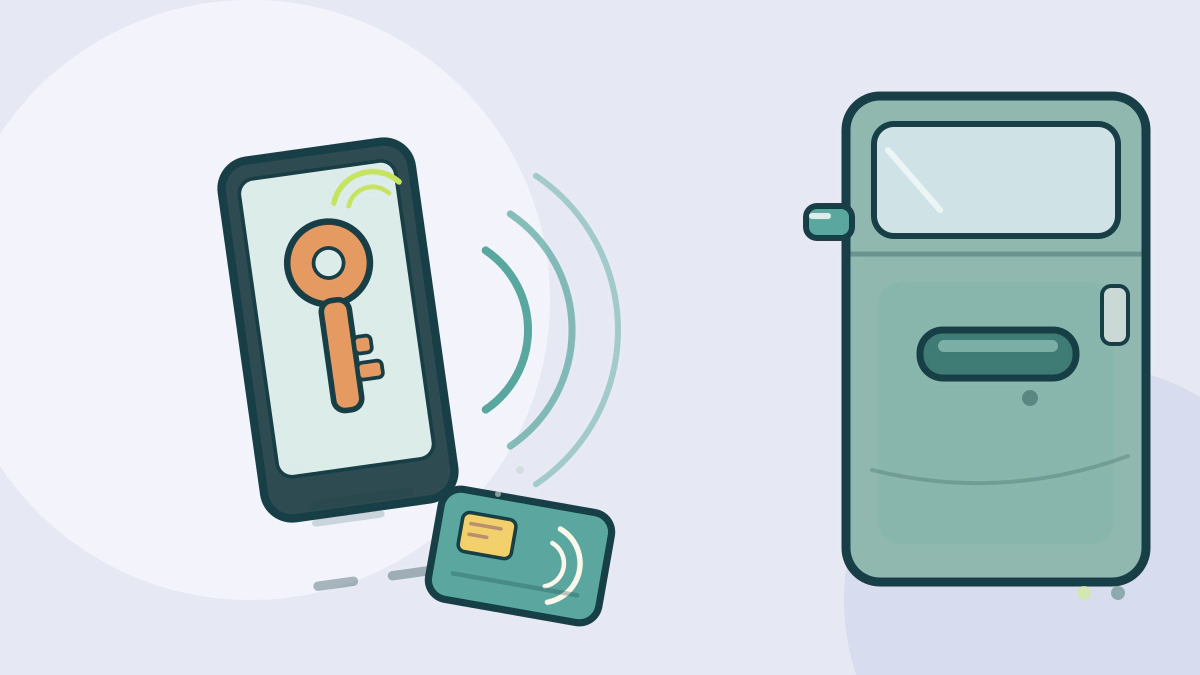
A digital car key is a credential stored in a phone, watch or card, not a copy of the radio signal from a key fob. The car and the device prove their identity to each other, and the features you get depend on which radio links the car supports.
The Car Connectivity Consortium publishes a standard for this. Its Digital Key Release 3.0 uses Bluetooth Low Energy and Ultra Wideband for hands-free access, with NFC kept as a backup (CCC announcement). That is a standard, not a promise that every phone works with every car.
Where the key actually lives
The credential is created when you pair the vehicle with your device. That usually happens through the automaker’s app or the vehicle display, and the key is then held in the device’s wallet or secure element.
The CCC whitepaper describes one owner device and multiple friend devices per vehicle. The owner approves a friend’s key, and the vehicle manufacturer’s server takes part in that approval.
Apple’s setup follows the same pattern. The carmaker’s app or the vehicle starts pairing, the key moves into Wallet, and the feature set depends on the car (Apple Support). Some cars unlock as you approach; others require a tap.
Three ways to use a phone as a key
| Method | What you do | Main limitation |
|---|---|---|
| NFC tap | Hold the phone or watch near the door reader, then place it on the charging pad or reader to start | Short range by design, so it is a deliberate tap |
| Bluetooth and UWB | Keep the phone in a pocket or bag and walk up | Needs compatible hardware in both car and phone |
| Connected app | Send a lock, unlock or start command over the network | Depends on connectivity and an active service |
The CCC says UWB measures distance with secure ranging, which is meant to stop a relay attack from making a phone seem closer than it is. NFC works only at close range. Both are design features, not a guarantee that every implementation is equally resistant to theft.
Sharing, suspending and revoking keys
Sharing is the feature that separates a digital key from a fob. A friend key can carry limits, such as access without engine start, or access to the trunk only. The CCC describes friend devices that cannot pass the key on to someone else.
Revocation matters more than sharing. The CCC says a key can be terminated or suspended from the friend device, owner device, vehicle or manufacturer server. Termination is permanent and requires a new key; suspension is temporary.
Apple’s Wallet gives a concrete example. If you mark a lost iPhone as lost, the car key in Wallet is turned off automatically. Shared keys are not turned off by that action (Apple Support). The owner still has to manage those separately.
What happens when the phone is lost or dead
A lost phone is a key-management problem, not only a phone problem. Use the automaker’s process to suspend or delete the key, and remove shared keys from anyone who no longer needs access.
A dead battery is a different case. The CCC says NFC support is maintained for battery-low mode, and Apple says power reserve can keep a car key working on some iPhone models. Neither statement covers every car or every device, so check your own manual before relying on it.
Keep a physical key or a card key as a backup if the vehicle came with one. Do not assume the phone will always be available.
Security limits and phone dependence
A digital key moves the security question to the phone. Express Mode lets a key work without unlocking the device or entering a passcode, so whoever has the phone may be able to unlock and start the car. Turn Express Mode off if that trade-off does not suit you, and learn how to disable the key remotely.
The car side matters too. NHTSA’s cybersecurity guidance tells manufacturers to use authentication and encryption on wireless paths into the vehicle. That guidance is voluntary, and it does not certify a particular model’s digital key.
Before buying a car with this feature, confirm that the trim and model year support it, that your phone is on the compatibility list, and whether a physical fob is included. Kia, for example, lists separate vehicle and device requirements for its Digital Key 2 and Digital Key 2 Touch systems (Kia).
If you sell the car, remove your key, delete shared keys and follow the manual’s reset procedure. A new owner should not inherit access to your account.
For the relay-attack side of keyless entry, read keyless entry relay attack prevention. For the update process that can temporarily affect a digital key, see how over-the-air car updates work. The Car Technology and Electronics hub collects the wider electronics coverage.
Frequently asked questions
Can I use a digital key if my phone battery is dead?
Sometimes. NFC is designed to work in battery-low mode, and some phones offer a power reserve for wallet keys. Support varies by car and device, so check the owner’s manual and keep a backup key.
Is a digital key more secure than a key fob?
It is different, not automatically better. UWB secure ranging is designed to resist relay attacks, but the phone’s lock state, the automaker’s implementation and key sharing all affect the real risk.
Can I share a digital key temporarily?
Yes, on systems that support friend keys. The owner can set access limits and stop sharing later. If the owner’s phone is marked lost, shared keys may remain active, so review them separately.
What should I do with the digital key when I sell the car?
Remove your key from the vehicle and your wallet, delete shared keys, and follow the manufacturer’s reset steps. Confirm the removal with the buyer before handing over the vehicle.