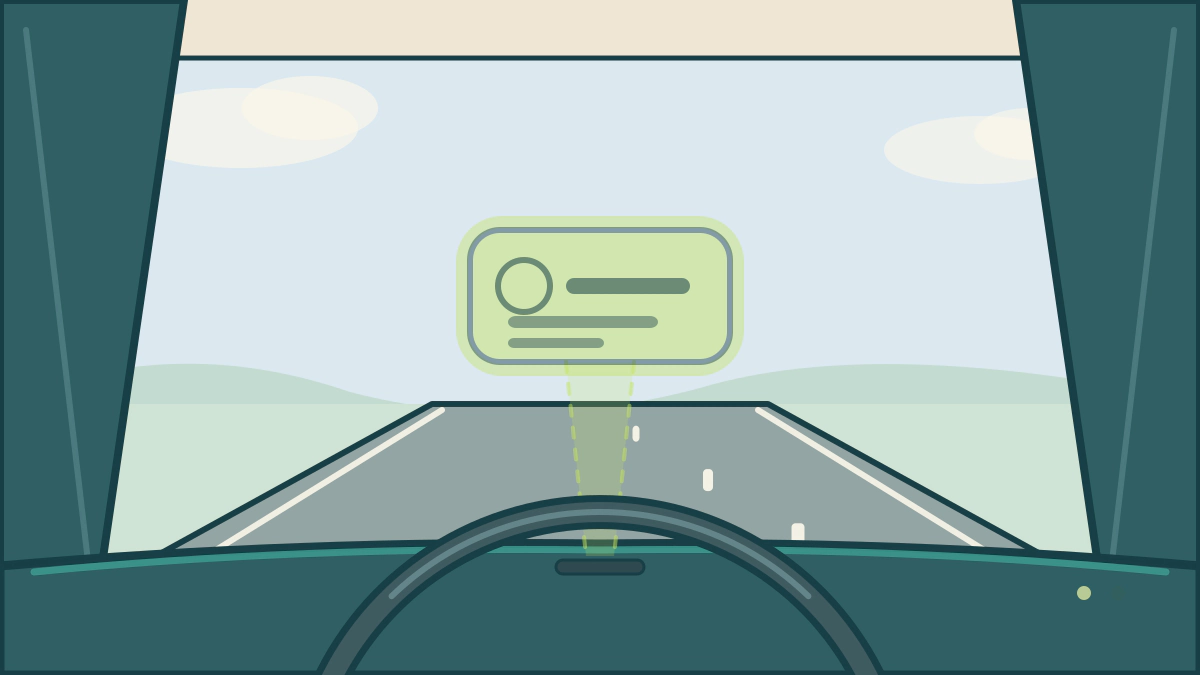
Head-up displays put speed, navigation and assistance cues near eye level. Learn what they show, where they fall short and who benefits most.
Are head-up displays useful?
Yes, as a convenience. A head-up display can keep speed, navigation guidance and selected assistance warnings closer to the driver’s forward view, but it does not make a driver safer on its own. Its value depends on what it shows, how readable it is and whether the driver still scans the road properly.
The idea is simple: instead of looking down for a speed check, the driver reads a projected image near the base of the windshield. That can shorten the eye movement, but it does not remove the need to check mirrors and the road.
What a head-up display can show
The content varies by brand and trim. Mazda’s 2025 CX-5 manual lists what its Active Driving Display can present, including speed, navigation guidance, the speed-limit indicator, blind spot warnings, traffic-sign recognition, cruise control status, lane-keep warnings and forward braking alerts (Mazda Active Driving Display).
| Display item | Why it helps at eye level | What it does not replace |
|---|---|---|
| Vehicle speed | A quick check without looking down | Knowing the posted limit |
| Speed-limit indicator | Reminds you of a detected sign | Signs the camera missed |
| Navigation guidance | Keeps the next turn in view | Reading the road and signs |
| Blind spot warning | Adds a visual alert | Mirror and shoulder checks |
| Cruise and lane status | Shows whether assistance is active | Watching traffic |
| Forward collision warning | Adds an urgent visual cue | Braking and steering yourself |
The list is vehicle-specific: some show only speed and a few warnings, while others add navigation and phone information. Read your manual.
How the image is made
Head-up displays are not all built the same way. The 2025 CX-5 uses a display surface above the dashboard with a dust-proof sheet and an optical receiver that senses ambient light to control brightness. Its manual warns against placing objects above the display, applying stickers, or letting intense light hit the receiver. Other designs may differ, so follow the manual for your car.
A dirty or damaged display surface can make the image look dim or blurred, and wrong cleaning can scratch the coating.
Where a head-up display falls short
The biggest everyday limitation is eyewear. Mazda’s manual states that polarized sunglasses reduce display visibility. Try the system with your own glasses before you pay for it.
Brightness and position are the next issues. Mazda says to adjust both only while stopped, because doing it while driving can distract you. Rain, snow, light and temperature can also affect readability.
Cleaning needs care. Use a soft cloth such as an eyeglass cloth, avoid rough cloths and detergents, and wipe off any solvent immediately. Mazda suggests compressed air for its dust-proof sheet.
There is also a dependency risk. Mazda notes that the adjusted position may shift if the battery is disconnected or low, and that the display cannot operate if the audio system is removed.
Does it reduce distraction?
The design intent is to reduce time spent looking down. That is a reasonable benefit for a speed check or turn prompt, but it is not proof that the feature prevents crashes.
A head-up display can also add clutter. A bright image with too many icons competes for attention, so keep the set small: speed, the next turn and the warnings you need.
NHTSA’s position is a useful frame: driver assistance supports an attentive driver, not a replacement (NHTSA driver assistance). A head-up display is a display, not a sensor, and it cannot tell you the road is clear.
Who gets the most value
A head-up display suits drivers who use navigation and adaptive cruise often, drive mostly on highways, and sit where the image is readable. It can be less useful on short city trips, with polarized sunglasses, or if the image distracts you.
Before buying, check four things: whether the display fits your height, stays readable in bright sun, works with your glasses, and shows information you use. A night test drive beats a showroom demo.
Living with one
Treat the display as a convenience, not a safety upgrade. Set brightness and position while parked, keep the surface clean, and reduce the content if it feels busy.
If the image becomes dim, blurred or uneven, check for dirt, a covered light sensor or a recent battery service before assuming failure. The manual’s maintenance section and your dealer are the right references.
For related comfort and convenience topics, see automatic climate control explained, remote start benefits and limitations and keyless entry relay attack prevention. The Car Technology and Electronics hub covers the wider set of features.
Frequently asked questions
Do head-up displays work with polarized sunglasses?
Often not well. Mazda’s manual says polarized sunglasses reduce display visibility. The effect varies by system and lens, so test the exact car with your glasses.
Are head-up displays distracting?
They can be if the image is too bright, busy or poorly placed. Adjust settings while stopped, keep content minimal and treat the display as a supplement. A feature that pulls your eyes away defeats its purpose.
How should I clean a head-up display?
Use a soft cloth such as an eyeglass cloth, avoid rough materials and detergents, and follow your manual, because coated surfaces and projector lenses differ.
Why is my head-up display hard to see in bright sunlight?
A covered light sensor, a dirty surface or strong light on the optical receiver can reduce visibility. Mazda warns that covering the receiver lowers brightness. Clean the area and check the setting before visiting a dealer.