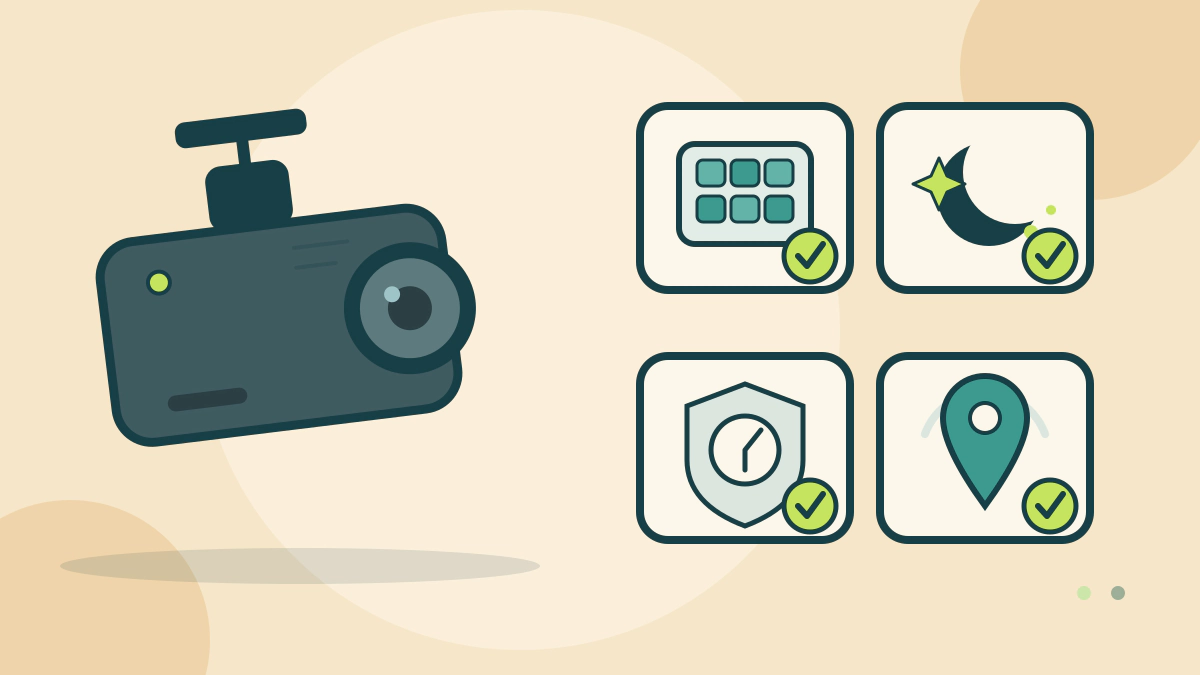
Compare dash cam resolution, field of view, low-light recording, parking power, location stamping, card capacity and heat limits before prices.
Which dash cam features should you compare first?
Compare the recorded view, the mounting position and the power path before resolution or brand, because a camera that cannot be aimed, mounted or powered fails whatever the box promises. Once those pass, compare resolution, field of view, low-light processing, parking mode, location stamping, card capacity and heat tolerance.
Resolution is a menu setting, not a quality score
Garmin lists two front settings for the Dash Cam Tandem: 1440p at 30 frames per second with high dynamic range at 2560 by 1400 pixels, and 1080p at 30 frames per second with high dynamic range at 1920 by 1080 pixels. The interior lens always records at 720p, 30 frames per second, without high dynamic range (Garmin resolution).
The manual says higher resolution or frame rate needs more card space, which cuts the driving time before the oldest clip is overwritten.
Field of view decides what reaches the edges
Garmin’s support page compares a 140-degree lens on one model with an extra-wide 180-degree lens on another. It says the 180-degree view increases the peripheral view and makes cross traffic easier to capture, and notes that the Tandem uses the 180-degree view for both front and interior (Garmin field of view).
A wider lens records more of the scene, but the frame still has the pixel size set by the resolution menu. Pick the view before arguing about degrees.
Night recording, location stamping and audio
High dynamic range is the setting most often sold as night performance. Garmin says it combines multiple exposure levels for each frame and can improve clarity in high contrast or low-light conditions. That describes processing, not a promise of readable plates at any distance.
Location stamping is separate from video quality. Garmin’s event detection page says footage is stamped with the time, date and location of an event (Garmin events). The feature is not universal, so confirm the model records it.
Audio deserves its own decision. Washington’s statute makes it unlawful to record a private conversation without the consent of all persons engaged in it (RCW 9.73.030). Rules differ by state, so check your own law.
Parking mode and card capacity belong together
Parking recording is a power feature. Garmin says parked recording requires its parking mode cable and that the camera records when its sensor detects motion after the vehicle is switched off (Garmin parked recording). The parking mode guide covers the battery and wiring questions that follow.
Garmin specifies microSDHC or microSDXC media, 8 GB or more, and Class 10 or faster. Its compatibility page gives an example: at 1080p a 16 GB card holds about 2.1 hours of recording, while a 256 GB card holds about 33.8 hours (Garmin cards). The same page recommends high-endurance cards built for continuous overwriting, heat and vibration.
Heat tolerance is a number you can check
Garmin lists an operating temperature range of -20 to 80 degrees Celsius, or -4 to 176 degrees Fahrenheit, for the Tandem (Garmin specifications). That is not a guarantee of reliable recording at either end of the range.
Compare the stated range with the climate where the car parks, and read the heat warning for your model.
Windshield rules and advertised claims
Mounting law is separate: states set their own rules for what may be attached to glass, so check your state DMV handbook before mounting a camera.
Labels on the box are claims. The FTC says advertising must be truthful and evidence-based (FTC). A “parking ready” camera may still need a separate cable, and a “high resolution” model may default to a lower setting.
| Feature | What the maker states | What it changes for you |
|---|---|---|
| Resolution | One Garmin model offers 1440p or 1080p front recording with HDR; its interior lens stays 720p | Sharper frames use card space faster |
| Field of view | 140 degrees on one model, 180 on another; the Tandem uses 180 front and interior | A wider view reaches the edges but is not a readability promise |
| Low light | HDR combines exposures and can improve clarity in high contrast or low light | Helps at night; aim and distance still decide detail |
| Location stamping | Event clips carry time, date and location | Useful for matching a clip to a place; confirm the model has it |
| Card | microSDHC or microSDXC, 8 GB or more, Class 10 | Wrong media or a small card cuts recording time |
| Heat | Operating range of -20 to 80 C on one model | A hot cabin can exceed what a camera tolerates |
Frequently asked questions
Is a 4K dash cam better than a 1440p one?
Not by itself. Garmin’s manual for the Tandem lists 1440p and 1080p front options, with higher settings using more card space.
Does a wider field of view make license plates easier to read?
Not automatically. Garmin says its 180-degree lens increases the peripheral view over a 140-degree lens, but plate legibility also depends on resolution, distance, light and aim.
Do I need GPS in a dash camera?
Only if you want location attached to the footage. Garmin says event videos are stamped with the time, date and location, so confirm the specification for the exact model.
Can a dash cam survive a hot windshield?
Check the operating range first. Garmin lists -20 to 80 C, or -4 to 176 F, for the Tandem, though that does not promise reliable recording at every temperature.
Bottom line: choose the view and mounting spot, confirm power and card requirements, then compare resolution and field of view with the manual open. The Car Accessories hub lists related guides, and the wiring guide covers installation. Our front-only versus dual-channel comparison helps if you are deciding how many views you need.