Compare front-only and dual-channel dash cameras on what they record, mounting and power needs, storage, privacy and the questions to settle before buying.
Is a dual-channel dash camera worth it over a front-only model?
A front-only dash camera records the road ahead; a dual-channel system adds a second view, usually the cabin or the rear, at the cost of another lens, another cable run and more to check. The second view is worth paying for only when it documents something the front camera cannot.
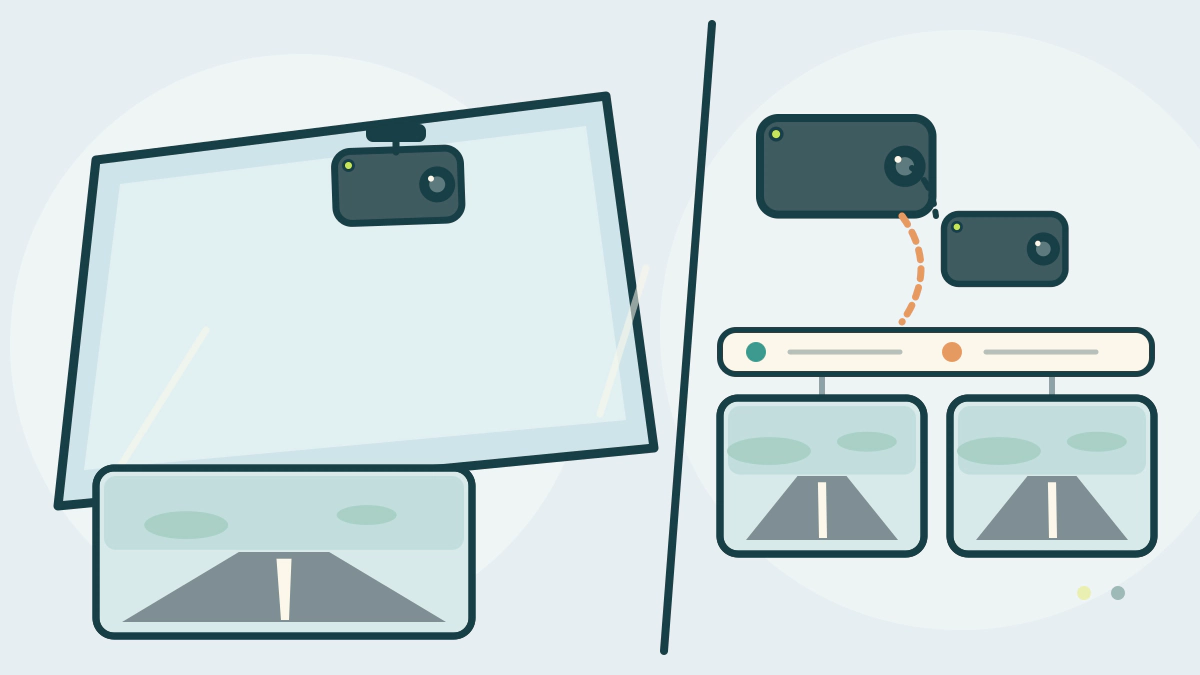
“Channel” describes one camera and recording path. A dual-channel kit has two, either as two lenses in one housing or as two separate units. Garmin’s Dash Cam Tandem manual, for example, asks for a clear view of both the road ahead and the vehicle cabin (Garmin). Its multiple-camera guide describes separate front and rear cameras paired for picture-in-picture video (Garmin).
What the second view actually adds
Which direction the second lens faces matters more than the lens count. A cabin view can show who was in the car or what a passenger did. A rear view can show a rear-end impact or a parking-lot hit the front lens never sees. Neither view is automatic evidence: the camera must be aimed correctly, powered at the time and saving files the owner can retrieve. A second channel also adds clips to review after an incident.
Mounting two views without blocking the driver’s view
A single-housing dual-lens camera still needs one windshield position that serves two directions. Garmin says not to mount a camera where it interferes with the driver’s view, to verify the area in front of the lens is cleared by the wipers, and to avoid tint or a spot too close to the rearview mirror (Garmin mounting).
California’s driver handbook makes the same point for a phone mount: it may sit on the windshield, dashboard or center console, but it “cannot block your view of the road” (California DMV). Dash-camera mounting rules are set by state law, so check your own state’s DMV guidance.
A two-unit system adds a second mount and a longer cable to the rear, so the route matters before purchase. Our choosing guide covers the windshield checks.
Power, storage and parking mode
Both layouts need a power source the camera maker approves. Garmin says to use the included vehicle power adapter and to avoid a vehicle USB port, which may not supply enough power and may switch the camera into USB mass-storage mode (Garmin power). Kia’s 2023 EV6 manual says the power outlet is for 12-volt accessories drawing less than 10 amps with the vehicle on, and that a plug left in with the vehicle off can discharge the battery (Kia).
A second channel adds clips to review and storage to manage. Use the card type and capacity the camera manual specifies, and check whether both channels share a card.
Parking recording is a separate decision. Garmin says its parking guard needs a parking-mode cable connected to constant power, and that a compatible camera records a short clip after impact (Garmin support). Our guide to dash cam parking mode covers the battery checks.
Privacy and marketing claims
Audio is the part buyers overlook. Washington’s statute makes recording a private conversation unlawful without the consent of all participants, though announcing the recording to everyone and recording that announcement satisfies it (RCW 9.73.030). Rules differ by state, so check your own before recording sound.
The FTC says advertising claims must be truthful, cannot be deceptive or unfair, and must be evidence-based (FTC). A “dual channel” or “parking ready” label does not tell you the second lens position, the supplied cable length or whether a parking accessory is included. The manual does.
Which layout fits your driving?
| Situation | Front-only | Dual-channel | Reason |
|---|---|---|---|
| Normal commute | Adequate | More than needed | One view matches the risk |
| Rear-end damage is the concern | Weak on the rear | Stronger with a rear camera | The front lens cannot see behind |
| Passengers or rideshare work | No cabin view | Cabin lens can help | The second view faces people |
| Simplest installation | Easier | Harder | A second mount and cable run |
| Street parking with impact clips | Needs parking power | Same dependency | Parking mode needs constant power |
If the table points to a second view, read our wiring guide before deciding where the cable will run. The Car Accessories hub lists related equipment guides.
Frequently asked questions
Is dual-channel the same as front and rear?
No. Dual-channel means two recording paths, but the second camera can face the cabin or the rear. Garmin’s manual documents a front-and-cabin camera, while its multiple-camera guide describes front and rear units paired together. Confirm the direction in the product manual.
Does a second channel double the recording time?
Not necessarily. Recording time depends on resolution, bit rate, card capacity and how many channels write to the card. Follow the manual’s card and settings guidance.
Can I add a rear camera to a front-only unit later?
Only if the maker supports it. Some systems pair separate cameras through an app, as Garmin describes, but a front-only camera may have no input for a second lens. Check the manual and accessory list for your exact model.
Will a dual-channel camera drain my battery?
It can if it records while parked without protection. Garmin’s parking cable uses constant power, and Kia warns that a plug left in with the vehicle off can discharge the battery. Use the maker’s power protection and check the battery if the car sits.
Bottom line: choose a second channel for the view it adds, not the number on the box; then confirm its mount, cable and power path in the manual.