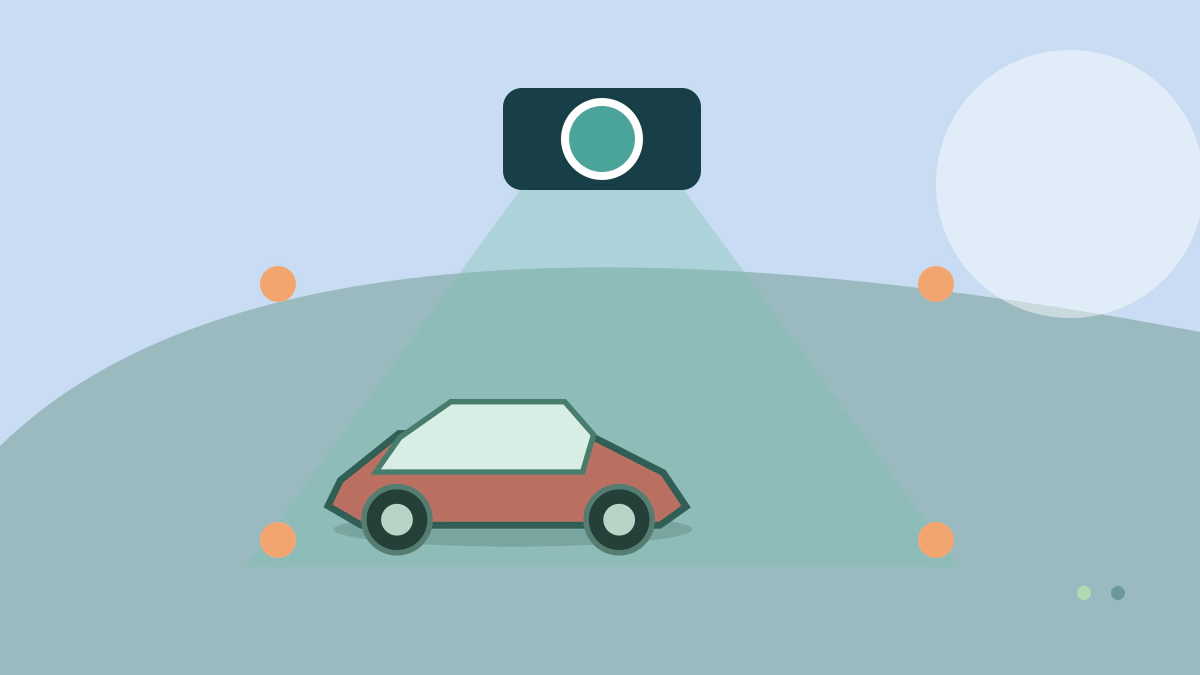
Understand buffered, impact, motion and time-lapse parking modes, their power needs and the privacy and battery checks to make before installation.
What is dash-cam parking mode?
Parking mode lets a compatible dash cam monitor or record after the ignition is switched off. Depending on the model, it may save video after an impact, detect motion, keep a short pre-event buffer or take frames at intervals.
These modes capture different evidence and consume different amounts of power.
Parking mode does not guarantee that every incident will be recorded.
Detection zones, impact sensitivity, darkness, camera angle, storage capacity and available power all affect the result.
Common parking-mode types
| Mode | How it works | Main trade-off |
|---|---|---|
| Impact-triggered | Camera wakes or saves a clip after its sensor detects a shock | Wake-up may miss events before impact |
| Buffered event | Camera continuously holds a short loop and saves before and after a trigger | More power use and hardware dependence |
| Motion detection | Saves when image movement is detected | Busy scenes can create many clips |
| Time-lapse | Records frames at intervals | Smooth context but less detail between frames |
| Low-bitrate continuous | Records continuously at reduced data rate | Highest storage and power demand |
Read the exact manual.
Garmin, for example, states that “record while parked” on certain cameras requires its compatible parking-mode cable and also warns owners to comply with local privacy law.
Another brand may use different wiring, triggering and clip protection.
How does a camera stay powered?
A normal accessory socket often turns off with the ignition.
Parking recording may therefore require a hardwire kit connected to constant power, an approved dedicated battery pack or a vehicle-supported powered port. A proper hardwire kit normally needs constant power, switched-power sensing and ground, but the required fuse locations and installation method vary.
Low-voltage cutoff is important because the camera can discharge the vehicle’s 12-volt battery. A cutoff threshold is not a promise that an aging battery will start the car after a long parking period.
Temperature, battery condition, other parasitic loads and parking duration matter.
Some vehicles use battery-management systems or sensitive circuits that make professional installation advisable.
Do not probe or tap an airbag, restraint, steering, braking or other safety-critical circuit.
Route cables so they do not obstruct the driver or interfere with curtain-airbag deployment.
Follow vehicle and camera instructions, using an installer familiar with the model when the circuit plan is uncertain.
What storage settings matter?
Use the card type and capacity specified by the camera maker.
Dash cams repeatedly overwrite files, so unsupported media can fail even when it works initially.
Format and replace the card according to the manual, then test by playing actual clips on another device.
Protected event folders may not be overwritten automatically.
If they fill, later impacts may not save.
Check whether buffered clips include audio and whether front, rear and cabin cameras all operate in parking mode.
Confirm the timestamp after a battery disconnect or daylight-saving change.
Privacy and security checks
Recording audio, people, private property or locations can implicate state and local laws.
Consent rules differ, and a feature available in one jurisdiction may be disabled in another.
Consult current official state guidance or a qualified lawyer for your use case rather than relying on a camera forum.
If the camera uploads clips or location data, protect the account with a unique password and available multifactor authentication.
Review who can access live view, how long cloud files remain and what happens if you sell the car.
Remove the card and reset the device before transfer.
Installation and test checklist
- Choose a view that does not block the required windshield area.
- Confirm the power kit and card are approved for the exact camera.
- Set an appropriate cutoff and monitoring duration.
- Verify the camera enters parking mode after the vehicle shuts down.
- Walk through the scene and make a gentle, safe trigger test.
- Review saved video, audio, timestamp and both camera angles.
- Recheck the vehicle battery after overnight use.
- Inspect files and card health regularly.
Garmin’s parking-mode guidance illustrates that monitoring time and trigger behavior are product-specific. Treat marketing labels as a prompt to read the manual, not as a shared technical standard.
Common questions
Will parking mode record a hit-and-run?
It may, if the event is in view, power is available and the trigger works. Buffered recording provides more pre-event context than a camera that wakes after impact. What to do after a car accident for insurance covers preserving evidence, notification and claim documents.
Can it drain the car battery?
Yes. Use compatible voltage protection or a dedicated pack and monitor battery health. How to prepare a car for long-term storage covers how long periods without driving can affect the battery.
Is motion detection better than impact detection?
Neither is universally better. Motion provides earlier context but can create false triggers; impact mode uses less power but may start late.
Should audio stay on?
That depends on purpose and applicable consent law. Verify the rules where recording occurs.
Bottom line: reliable parking coverage comes from tested power, storage and positioning—not merely turning on a menu option.