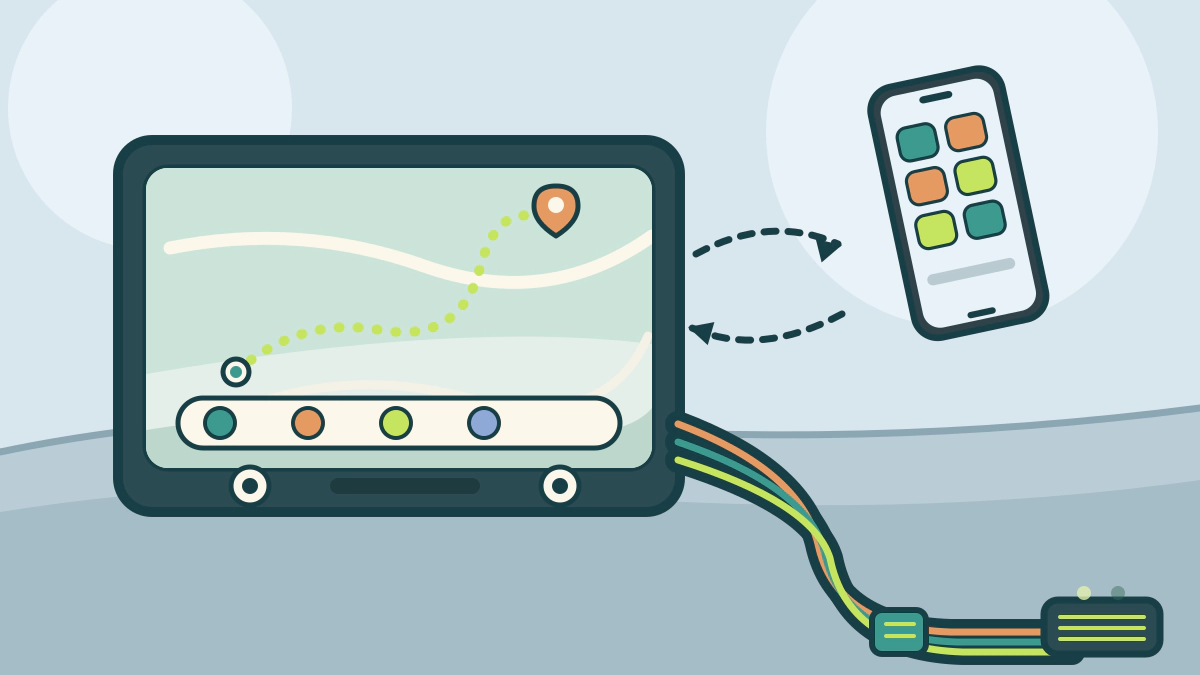
Check phone requirements, head-unit certification and vehicle integration such as steering controls, factory amps, cameras and antennas before buying.
Do aftermarket CarPlay head units fit every car?
No. A head unit can fit the dash opening and still fail to work with your phone, your car’s electronics or both. Compatibility has three separate layers: the phone, the radio itself and the vehicle wiring.
A CarPlay-ready unit may be wired-only, and a car with a factory amplifier, backup camera or steering-wheel controls may need extra adapters.
What your phone needs before the radio matters
Apple states that CarPlay can connect by USB cable or wirelessly. With a USB connection, plug the iPhone into the car’s USB port. The port may be marked with a CarPlay or smartphone icon.
If the car supports only wireless CarPlay, hold the steering-wheel voice button, set the stereo to wireless or Bluetooth mode, turn on Wi-Fi, then select the car under Settings, General, CarPlay.
Apple also says you can add CarPlay to a current car with an aftermarket system. Its page lists Alpine, JVC, Kenwood, Pioneer and Sony among the brands, but that is not a guarantee for one model.
For Android, Google’s setup instructions separate wired and wireless. Wired needs a USB cable. Wireless needs Bluetooth pairing the first time, with Bluetooth, Wi-Fi and location services on. Google’s Android Auto page lists Android 9.0 or higher for most wired connections and Android 11.0 or higher for wireless. It also names JVC, Kenwood and Pioneer as supported wireless aftermarket stereos.
| Connection | Phone side | Head unit side |
|---|---|---|
| CarPlay, wired | iPhone with Siri on, USB cable | Unit lists wired CarPlay |
| CarPlay, wireless | iPhone with Wi-Fi and Bluetooth | Unit lists wireless CarPlay, stereo in wireless mode |
| Android Auto, wired | Android 9.0 or higher, USB cable | Compatible stereo |
| Android Auto, wireless | Android 11.0 or higher, Bluetooth and Wi-Fi | Supported JVC, Kenwood or Pioneer stereo |
Version numbers and model lists change. Check the current page for your exact phone before ordering.
Steering-wheel controls and the data bus
Modern cars carry button presses, climate settings and warning chimes over data networks rather than simple wires. CAN bus is one example.
A steering-wheel-control adapter links the new radio to the factory buttons. Crutchfield’s harness guide lists steering-wheel audio controls among the factory features that may need a more capable integration adapter.
Cars with Ford SYNC, GM OnStar or Chrysler Uconnect need a more capable module, sometimes programmed for a specific vehicle and radio.
Safety chimes are easy to overlook. The same Crutchfield guide notes that in many cars the audible alerts are integrated into the factory radio, and replacing it can silence them. A vehicle-specific harness can keep those tones working.
Will the factory amplifier still work?
An amplifier integration harness feeds the new radio’s signal into the existing factory amplifier, so the factory amp still powers the speakers. A bypass harness skips the factory amp and lets the new radio’s built-in power drive the speakers, usually by routing a harness to the amplifier location.
Crutchfield’s harness guide notes that integration harnesses cost more but can save installation time. Bypass harnesses cost less but involve more work when the amp sits under a seat or in the trunk.
A premium system such as Bose or Harman Kardon may need a special factory-system adapter, especially when climate controls are built into the radio panel. Crutchfield’s installation guide describes that adapter.
Camera, antenna and dash kit details
If the car already has a factory backup camera, confirm that the installation parts will display it on the new screen. Adding a camera means running a video cable to the display, supplying power and making a good ground, according to Crutchfield’s backup camera guide. A separate dash camera has its own power needs; dash cam parking mode explains the wiring checks.
New US vehicles up to 4,536 kg (10,000 lb) GVWR must display a rearview image if manufactured on or after May 1, 2018, under 49 CFR 571.111. The rule applies to new vehicles, not to equipment installed later.
An antenna adapter is needed when the factory plug differs from the radio input or the car uses an amplified antenna. A dash kit supplies the trim and brackets for a clean fit. The Car Accessories and Equipment hub covers related installation gear.
Checks before you order a head unit
- Confirm which phone models and connection type the radio supports.
- Check that the radio lists CarPlay or Android Auto in the form you need.
- Identify whether the car has a factory amp, camera, chimes and steering controls.
- Get the vehicle-specific harness, adapter, dash kit and antenna parts.
- Ask whether the parts retain warning chimes and the factory camera.
- Confirm the return policy and any programming needed for a module.
Frequently asked questions
Can I add CarPlay to an older car?
Yes, if the car has a suitable radio opening and the needed parts exist. Apple lists aftermarket systems for adding CarPlay to a current car. Dash space and adapter availability are the usual limits.
Do I need a vehicle-specific wiring harness?
Usually yes for a modern car. A basic harness handles power and speaker wires. Cars with data-bus controls, warning chimes or a factory amplifier need a vehicle-specific harness or integration module.
Can I keep my steering-wheel controls?
Often, with a steering-wheel-control adapter. The adapter connects to the new radio and must be set for that radio model. Some cars also need a separate module for phone and voice buttons.
Is wireless better than wired?
Wireless is more convenient but adds requirements. CarPlay wireless needs a compatible stereo plus Wi-Fi and Bluetooth. Android Auto wireless needs Android 11.0 or higher and a supported stereo. A wired connection is simpler.
Bottom line: treat the radio, the phone and the car as three separate compatibility checks, and price the adapters before you commit.