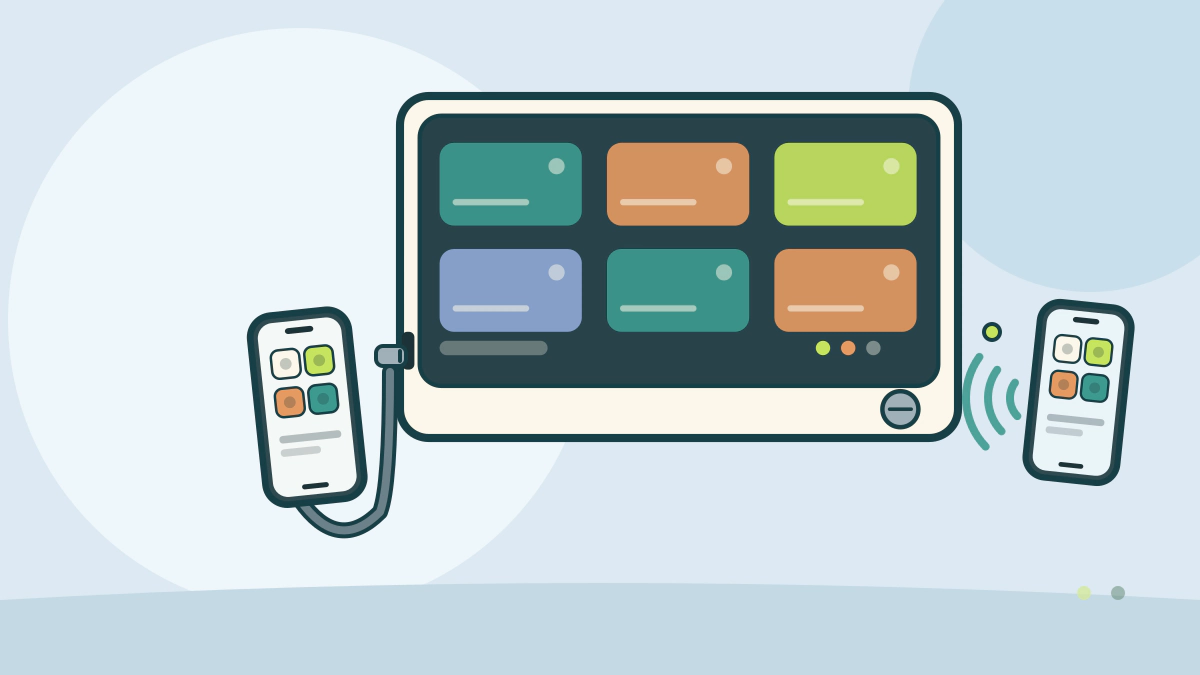
Compare wireless and wired CarPlay and Android Auto on setup, charging, phone heat, cable quality, reliability and the trips where each fits.
Is wireless or wired projection better?
Wired is the more predictable choice; wireless is more convenient but adds requirements and variables. Both show the same phone apps on the car display. The difference is how the signal travels and what happens to the phone’s battery while you drive.
For a long trip with navigation running, a cable is hard to beat. For a short commute and a phone that lives in your pocket, wireless is genuinely easier.
What projection adds beyond Bluetooth
Bluetooth alone handles calls and audio streaming. Projection puts a simplified set of apps on the car’s screen, with maps, messages, music and voice control.
That is why the connection method matters. Projection needs a data path: a cable, or a local Wi-Fi link set up by the car.
Apple’s CarPlay page says the system works with the car’s knobs, buttons, touchpad or touchscreen, and with Siri. Google’s Android Auto help describes the same idea for Android, with apps arranged for driving.
What each connection requires
| Item | Wired projection | Wireless projection |
|---|---|---|
| Physical link | USB cable to the car port | No cable; Bluetooth pairing plus Wi-Fi |
| Phone requirement | iPhone with Siri, or Android 11.0 or higher | Same phone plus 5 GHz Wi-Fi support for Android Auto |
| Car requirement | USB port that supports the system | Stereo that lists wireless support |
| Charging | Phone charges while connected | Phone runs on battery unless placed on a pad |
| First-time setup | Plug in and follow prompts | Pair Bluetooth, then let the car start the session |
| Typical weak point | Cable and port condition | Interference, heat and battery drain |
Apple’s page lists the wireless steps, and Google’s setup page requires Bluetooth, Wi-Fi and location services on the first connection.
The version numbers and radio requirements change. Check the current pages for your phone before assuming a car will work wirelessly.
Battery and heat change the calculation
Wired projection charges the phone while it works. That matters when navigation, streaming and a bright screen are all drawing power at once.
Wireless projection leaves the phone on battery, so a long drive can end with a warm, depleted phone. Kia’s 2026 owner’s manual notes that phones warm during wireless charging and that CarPlay or Android Auto can raise the temperature further. It says charging may slow or stop to protect the phone.
Heat is not only a comfort issue. A phone that throttles can slow the map or drop the connection. Shade and airflow help more than a new cable.
If you use a wireless pad and projection together, expect more heat than either alone. A wired link avoids the charging coil but still warms the phone during long navigation sessions.
Cable quality and port wear
Apple’s setup page tells iPhone owners to use an Apple Lightning to USB cable. Google’s page calls for a high-quality USB cable. Both are warning about the same failure mode: a cheap or damaged cable that charges slowly or never starts the session.
Cables fail at the connectors first. Keep a spare known-good cable in the car.
Wired use also wears the phone port. Lint and repeated insertion can stop a solid connection.
Wireless use removes that wear but adds a different dependency: the car’s radio and the phone’s Wi-Fi.
Startup, interference and shared cars
Wireless projection is not instant. The phone and car must find each other, and some systems take several seconds before the home screen appears. That is tolerable on a driveway but annoying at a busy curb.
Radio interference can interrupt a wireless link. The 5 GHz band is less crowded than 2.4 GHz in many areas, but it still shares space with other devices. A phone in a metal bag or under a seat may struggle.
Multiple drivers complicate wireless pairing. A shared car may connect to the last phone in range, or refuse to switch without a menu step. Wired projection makes the active phone obvious.
Rental cars favor wired too. You may not want to pair your phone to an unfamiliar vehicle, and wireless may not be enabled.
Which setup fits which driver
Choose wired if you drive long distances, run navigation constantly, use an older phone, or share the car with several drivers. It is also the simpler choice when the car offers only a USB connection.
Choose wireless if your trips are short, you get in and out often, and your phone supports the car’s wireless standard. It is a real convenience when the phone stays in a pocket or bag.
Many drivers end up using both. Wireless for the school run, a cable for the holiday drive, provided the car supports both modes.
Whatever you pick, set the destination while parked. NHTSA lists fiddling with navigation and entertainment systems as distracted driving, and it reports that 3,208 people died in crashes involving distracted drivers in 2024.
For the charging side of the same question, see wired versus wireless car phone chargers. For system-level differences, read CarPlay versus Android Auto, and browse the Car Technology and Electronics hub.
Frequently asked questions
Does wireless projection charge the phone?
No. Wireless projection uses the phone’s battery, though some cars pair it with a charging pad. A cable projects and charges through the same connection.
Why is wired CarPlay or Android Auto more reliable?
A cable carries a dedicated data link and power at the same time. Wireless depends on a radio link affected by interference, distance and heat.
Can I add wireless projection to a car that only has wired?
Sometimes, with an aftermarket adapter or head unit. Compatibility varies, so check return terms for your exact phone and stereo before buying.
Is wireless projection safe to use while driving?
The connection method does not change the distraction risk. Set up the phone before you move, use voice control, and pull over for anything that needs reading.
Bottom line: pick the connection that matches your trip length and phone, and keep a good cable in the car as the fallback.