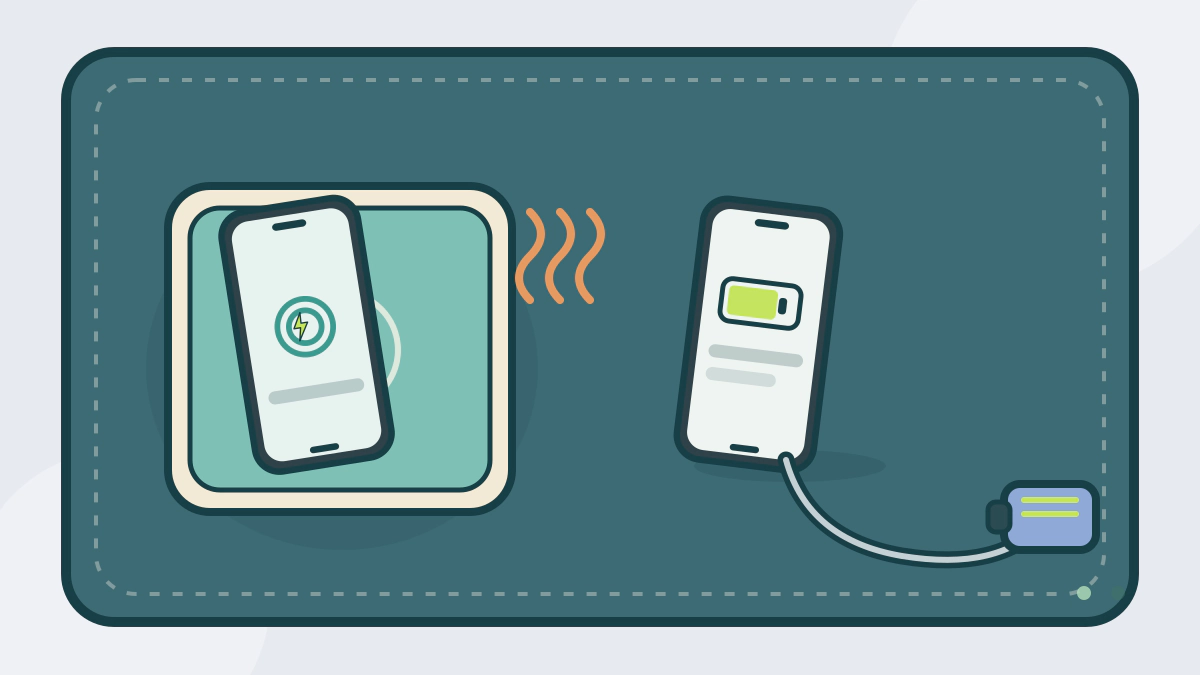
Compare wired and wireless car charging on speed, heat, case fit and mounting, using USB and Qi standards plus owner's manual limits.
Is wired or wireless charging better in a car?
Wired charging is usually the more efficient choice; wireless charging is more convenient but adds heat and alignment problems. The right pick depends on trip length, your phone case and whether the phone must stay cool while navigating.
Neither method beats the limits of the car’s port or the phone’s own charging rules. Standards describe maximums, not what your dashboard delivers.
What the standards actually promise
USB-IF says USB Power Delivery Revision 3.1 can deliver up to 240W over a full-featured USB Type-C cable and connector. Before that update, the limit was 100W at 20V and 5A. Those are standard ceilings. A phone and a car port negotiate a much lower rate.
The Wireless Power Consortium says Qi2 launched with 15W charging and magnetic alignment. Qi2 25W, launched in July 2025, delivers nearly 70% more power and can charge a phone battery from 0 to 50% in about 30 minutes with compatible certified products. Phones and chargers that are not certified to the same profile may charge more slowly.
Your car’s USB port is often the bottleneck
The 2025 Genesis owner’s manual describes its USB charger as a port for small electrical devices. It lists a 2,100 mA (2.1 A) limit and says to use the charger with the engine running. It also warns that a phone or tablet may get warmer while charging.
That 2.1 A ceiling is far below what USB PD can carry. A phone that supports fast charging may still charge slowly from such a port. Check your own owner’s manual for the port’s output and for any warning about using it with the engine off.
Heat is the real limit in a closed car
Kia’s 2026 owner’s manual says a phone normally warms on the wireless pad, and that Android Auto or Apple CarPlay can make it heat faster. Charging may slow or stop to protect the phone. Kia tells the driver to remove the phone and let it cool.
The same manual warns that metal between the phone and pad can heat up, and that the pad stops when its interior temperature rises above a set point. A phone in direct sun on the dashboard can get hot before charging even starts. Shade and airflow help more than a different cable.
Compare the trade-offs
| Factor | Wired | Wireless |
|---|---|---|
| Power path | Cable to the phone port, less waste | Pad to coil, more waste as heat |
| Heat | Phone warms, but less from the connection | Pad and phone warm; navigation adds more |
| Cases | Most cases work | Thick or metal cases can block charging |
| Wear | Cable and phone port wear | No connector wear, but alignment matters |
| Mounting | Holder plus cable | Magnetic or cradle pad |
| Multiple phones | One cable per phone | Usually one phone at a time |
Wireless is convenient for short trips and for a phone you pick up often. Wired makes more sense for long drives, a phone running navigation with the screen on, or a car whose pad is slow.
Match the charger to the phone and the car
A phone that supports Qi2 will not necessarily charge at Qi2 25W on every pad. The pad, the phone and the case all have to support the same profile. The same rule applies to USB PD: the cable, port and phone must agree.
If you use a magnetic case, check that it is made for the charging standard. A thick wallet case can push the phone too far from the coil. A metal plate for an older magnetic mount can interfere with wireless charging and may heat up. How to choose a secure car phone mount covers holder and position safety.
Install it without adding a distraction
Set up charging while parked. Route the cable away from the steering wheel, pedals and shifter, and keep the phone within reach without leaning. Do not use the phone’s screen while driving; set the destination before you move.
If the car has a wireless pad, remove coins, keys and cards before placing the phone. Kia’s manual notes that metallic objects can heat and that cards with magnetic strips may be damaged. A pad that stops charging is often protecting itself or the phone, not broken.
For power use when the engine is off, see how to check for parasitic battery drain. Browse more guides in Car Accessories.
Frequently asked questions
Does wireless charging work through a phone case?
It can, but the case matters. Kia’s manual says a heavy accessory cover may stop wireless charging, and metal plates or thick cases can block the coil. Remove the case if charging is slow or the phone gets hot.
Why does my phone stop charging on the car pad?
Heat, misalignment or a foreign object can stop it. Kia’s manual says charging may pause when the phone overheats and that metal on the pad can heat up. Center the phone, remove metal objects and let it cool before trying again.
Is wireless charging always slower than a cable?
Usually, but not always. A certified Qi2 25W pad can be fast with a matching phone. Many car pads and USB ports deliver less, and the 2025 Genesis manual lists a 2.1 A USB limit. Compare the actual ratings, not the label on the box.
Can I charge a laptop from the car’s USB port?
Only if the port and laptop support the same USB PD profile. USB-IF says USB PD can reach 240W, but a car’s USB charger may be limited to small devices. Check the owner’s manual before relying on it.