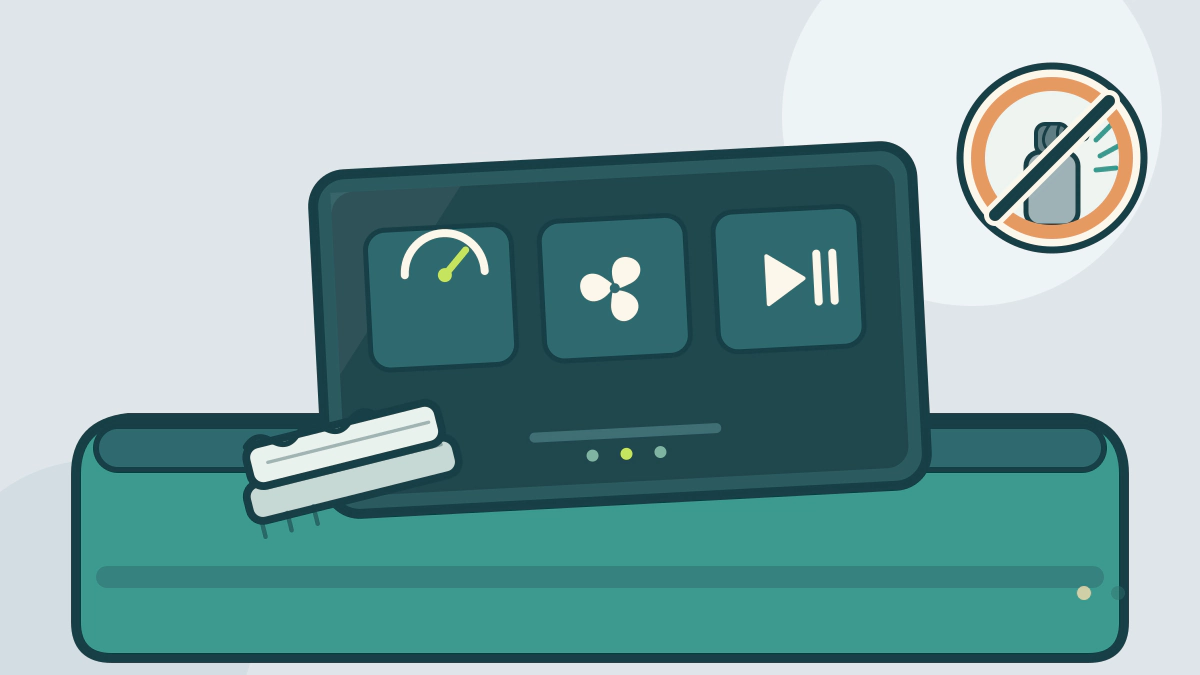
Learn how to clean a car touchscreen with a soft microfiber cloth and plain water, and which cleaners can harm anti-glare or fingerprint coatings.
What is the safest way to clean a car touchscreen?
Switch the display off, wipe it with a clean, dry microfiber cloth, then use a second cloth barely dampened with plain water and buff it dry. That order lifts loose dust before moisture can turn it into a paste. Toyota’s owner support guidance says to soak a clean, soft cloth in lukewarm water and lightly wipe the touchscreen panel. It warns that solvents, kerosene, alcohol, gasoline, alkaline or acidic solutions can stain or discolor the screen (Toyota).
Ford’s cleaning page takes the same low-risk approach for its SYNC screen and information displays. It calls for a microfiber cloth, wiped in a circular motion, to remove fingerprints and dust (Ford).
Neither routine needs a bottle of glass cleaner.
Why ammonia and alcohol are a poor match for a coated screen
Many car displays carry an anti-glare finish, a fingerprint-resistant coating, or both. That coating is the surface you touch, so the cleaner has to be mild enough to leave it in place.
Toyota’s warning covers alcohol and strongly alkaline or acidic solutions. Ammonia-based glass cleaners sit on the alkaline side, and they are formulated for hard household glass rather than a plastic display stack. A harsh cleaner can leave streaks, blotches or a dull patch that buffing will not fix.
The same caution applies to abrasive tools. Paper towels, shop rags and kitchen sponges can carry grit or leave lint. A clean microfiber cloth is the safer default because it is soft and traps particles instead of dragging them across the surface.
Coatings vary by supplier and model year. If the display maker or the owner’s manual names a cleaner, follow that instruction over any general rule here. Look under the infotainment or vehicle care section for your exact model.
Keep liquid out of the dashboard
A screen sits in a trim panel full of connectors, speakers and, on some cars, airbag wiring. Toyota’s manual warns that spilled liquid can damage electrical components, and that supplemental restraint system components and wiring must not get wet (Toyota RAV4 manual).
That makes spraying the screen directly a bad idea. Wet the cloth away from the car, wring it out, and then wipe. Water should never run down the bezel or into the seam between the display and the dash.
A slightly damp cloth is enough for normal fingerprints. If a mark needs more, use less pressure and more passes, not more liquid.
A routine for dust, fingerprints and sticky marks
- Park with the display off, and keep the cabin out of direct sun if you can.
- Wipe the whole screen with a dry microfiber cloth, working from top to bottom.
- Dampen a second microfiber cloth with lukewarm water and wring it until it stops dripping.
- Wipe gently in overlapping strokes. Ford suggests a circular motion for fingerprints and dust.
- Dry the surface with a third, dry microfiber cloth.
- Wash the cloths without fabric softener and let them air dry before the next use.
| Mark | First move | Keep away |
|---|---|---|
| Loose dust | Dry microfiber pass | Sleeve, paper towel |
| Fingerprints | Damp microfiber, circular motion | Glass cleaner, alcohol wipe |
| Sticky residue | Damp cloth, repeated light passes | Scraper, abrasive pad |
| Haze or streaks | Dry microfiber buff | Extra liquid |
| Unknown chemical | Owner’s manual or dealer advice | Guessing |
Do not scrub hard enough to flex the panel. If a mark does not move after two light passes, stop and check the manual before trying another product.
When the problem is not dirt
A screen that jumps between menus, misses touches in one area, or shows ghost inputs may have a hardware or software fault rather than a cleaning problem. The same is true of bubbles, lifting edges or a cloudy patch under the glass. Cleaning will not repair a delaminated layer.
Pressing harder can make it worse. Ask a dealer or an infotainment specialist to inspect the unit, and get the diagnosis in writing before you authorize a replacement. For the rest of the cabin, see the Car Detailing and Protection hub and the guide to professional detailing costs. Fabric seats have their own routine in how to clean fabric car seats.
Frequently asked questions
Can I use disinfecting wipes on a car touchscreen?
Treat them as a chemical cleaner, not a plain cloth. Many wipes contain alcohol or other solvents that Toyota’s guidance tells owners to keep off the panel. If you need to disinfect the cabin, clean the screen with water and microfiber instead.
How often should a car touchscreen be cleaned?
There is no universal interval. Clean it when fingerprints or dust become distracting, and avoid repeated wet wiping as a habit. A dry microfiber pass between deeper cleans handles most daily marks.
Is distilled water better than tap water?
Plain water is the starting point in both Toyota’s and Ford’s guidance. Distilled water avoids adding minerals that can leave spots, especially if your tap water spots glass at home. Never add soap or a household cleaner to the water.
What should I do if a cleaner leaves a white haze?
Stop using that product. Wipe the screen with a cloth dampened with plain water, then dry it with a clean microfiber cloth. If the haze remains after two gentle passes, the coating may already be damaged, and a dealer should inspect it.