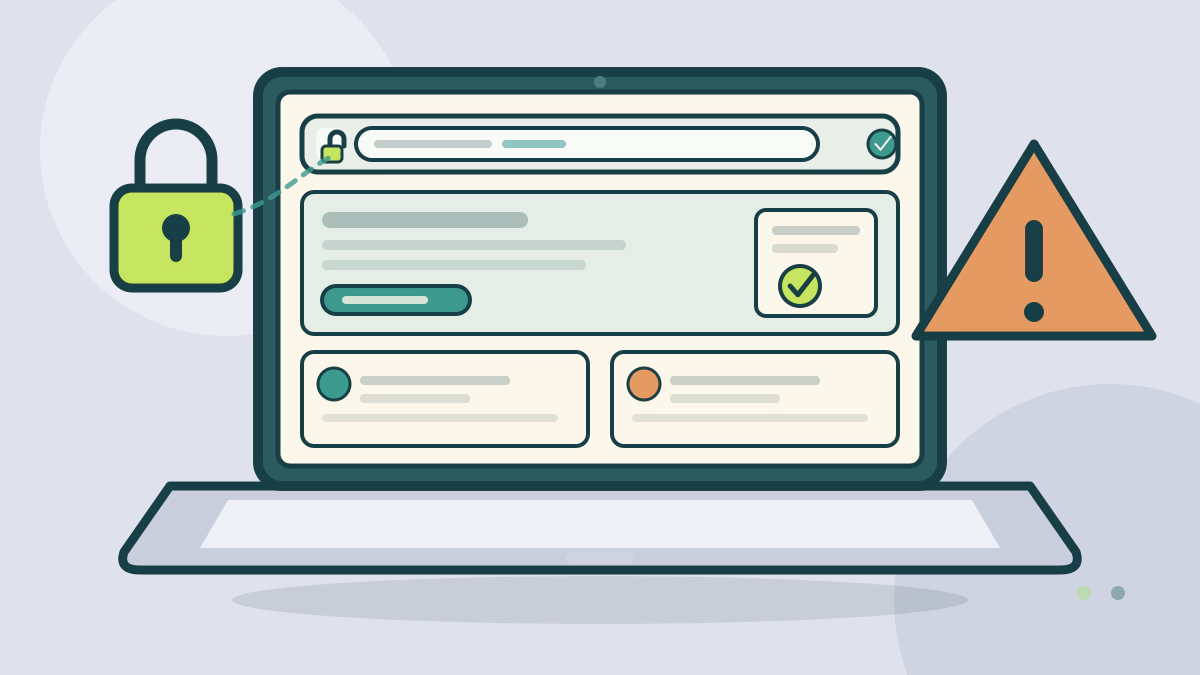
Check a DMV site by starting from an official directory, reading the domain and agency name, and treating HTTPS as encryption rather than proof of ownership.
Verify the domain before you enter anything
A state DMV site is best verified by starting at an official directory, checking the domain and agency name, and treating HTTPS as encryption rather than proof of government ownership. A convincing page can still be a private business.
USA.gov’s state motor vehicle services page links to the official motor vehicle agency for each state and territory (USA.gov). Start there, or type an address you already know, instead of clicking a search ad or a link in a message.
What a .gov domain does and does not prove
The .gov top-level domain is for governments in the United States, and governments at all levels are eligible for it (get.gov). A .gov address is therefore a meaningful signal that the site belongs to a government body.
It does not prove that the page is your state’s DMV. A city, county, court or federal agency can also use .gov. Read the agency name, the state name and the site’s own about page.
Many state motor vehicle agencies use a .gov address, often as a subdomain of the state’s main domain. Confirm the exact address through USA.gov rather than guessing the pattern from another state.
HTTPS tells you the connection is encrypted
A URL that begins with https:// and a closed padlock mean your connection is encrypted (CISA). CISA says a valid certificate means a certificate authority has taken steps to verify that the web address belongs to that organization (CISA).
That is not the same as a government seal of approval. A private company can hold a valid certificate for its own domain. CISA also warns that attackers can fake a padlock icon, so check the address in the browser bar, not just the icon.
Look for misspellings and wrong endings. CISA gives the example of cisa.com instead of cisa.gov. A hyphen, an extra word or a different ending can send you to a different owner.
Match the agency identity and the contact details
An official page should name the agency, the state and a way to reach it. Look for a physical address, a phone number and a forms or fees page that matches the transaction you need.
Then check the phone number against a second official source, such as the USA.gov link or the state’s main portal. Do not call a number that appears only on the page you are trying to verify.
Look for the agency’s own fee page. California’s DMV, for example, warns that fake sites can look like the official site and charge unnecessary fees (California DMV). A page that adds a service fee before showing you the official form deserves a second look.
Know the common warning signs
| Signal | What it supports | What it does not prove |
|---|---|---|
| .gov domain | A government body owns the domain | That it is your state’s DMV |
| HTTPS and padlock | The connection is encrypted | That the owner is a government agency |
| Link from USA.gov | The destination is the official agency | That every page on the site is current |
| Agency name and seal | The page claims an identity | That the claim is true |
| Paid search result | Someone paid for placement | That the site is official |
| Fee before service | A private business may be involved | That the fee is required |
The FTC has sued operators it alleges used paid search ads and landing pages to impersonate the government (FTC). Search placement is advertising, not verification.
California’s DMV scam page adds a practical rule: the DMV does not send text messages with links to make payments, and it will not ask for a Social Security number, banking information or a full driver’s license number by text or email (California DMV). Treat an unexpected message that asks for those details as a warning, not a shortcut.
If you already entered information
Stop, do not send more, and change any password you reused. If you entered a Social Security number, bank details or card information, IdentityTheft.gov lists steps based on the information you lost. Report the site to the state DMV and to the FTC at ReportFraud.ftc.gov (FTC).
Keep the URL, a screenshot and the time. Those details help the agency and the FTC trace the site.
For the paperwork that follows a legitimate registration, see the post-move ownership checklist and the Alabama registration guide. The state and regional guides hub collects the state walkthroughs.
Frequently asked questions
Is a .gov address enough to trust a DMV site?
It is a strong signal but not a complete check. The .gov domain is for U.S. governments at all levels, so a city, county or federal page can use one too. Confirm the agency name and the state, and reach the site through USA.gov or a bookmark you already trust.
Does the padlock mean the site is official?
No. The padlock and https:// mean the connection is encrypted. A certificate authority has verified that the address belongs to the organization that requested it, not that the organization is a government agency. Check the domain spelling and the agency identity as well.
Are search results and ads safe ways to find a DMV site?
Treat them as pointers, not proof. The FTC has brought a case alleging that paid search ads were used to impersonate the government. Type a known address or start from USA.gov, and check the domain before you enter personal information.
What should I do if I entered details on a fake DMV site?
Stop using the page and change any reused password. If you shared a Social Security number, bank or card details, IdentityTheft.gov lists steps based on what you lost. Report the site to the state DMV and to the FTC at ReportFraud.ftc.gov, and keep the URL and a screenshot.